PDF Tools
Find portable PDF tools and lightweight document applications for reading, creating, converting, splitting, merging, and editing documents. This category also includes word processors and spreadsheet software. Portability and format compatibility vary, so check each review for supported file types, operating-system requirements, and whether the tool is still suitable for your workflow.
Read and Annotate PDF Documents: For lightweight PDF reading, see Sumatra PDF Portable, PDF-XChange Viewer, Cool PDF Reader, and Foxit Portable PDF Reader. Some older applications may have compatibility or support limitations, so check the individual review.
Create PDFs from Images or Scans: Turn images into PDF documents with i2PDF or scan paper documents to PDF with WinScan2PDF. For document creation and publishing, see Tomahawk PDF+ and Portable Scribus.
Convert, Split, and Merge PDF Files: For PDF-to-Word conversion, review First PDF and the offline PDF to Word converter. Split multi-page documents with SepPDF, or combine and manage files with Ultra PDF Merger and Gios PDF Splitter and Merger. Check output quality and layout after converting documents.
Work with Word Processing and Spreadsheet Files: For writing and editing documents, see AbiWord Portable and Jarte. For spreadsheet work, explore Gnumeric Portable. Check compatibility with the file formats and features you need before moving documents between applications.
Other PDF Utilities: Tweak PDF adjusts certain document viewing preferences, while PDF Password Remover is listed for password-related PDF tasks. Only use password tools on documents you own or are authorized to modify, and check the review for any restrictions or limitations.
Using Document Tools from USB: Portable software can be convenient on compatible Windows PCs, but some applications still rely on system components or may leave settings on the host computer. Keep backup copies of important documents before converting or editing them, and verify that the saved output opens correctly.
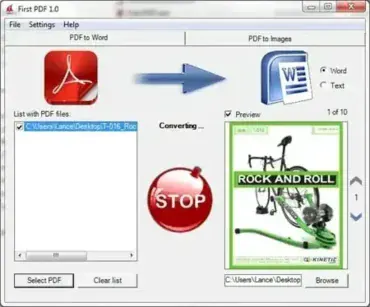
Convert PDF to Word Documents; First PDF is a Free PDF to Word Converter-style desktop tool designed to help you convert PDF files into editable Word documents or plain text files. This utility focuses on simplicity, allowing users to quickly extract content from PDFs without relying on online services or cloud-based converters.
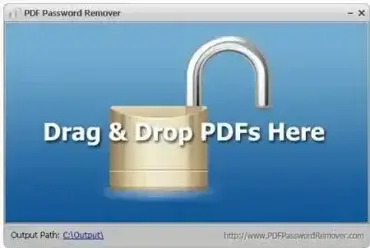
PDF Password Remover is a Portable tool that can be used to remove a password from a PDF file. This comes in handy when viewing password protected PDF files that can not be printed, edited or converted.
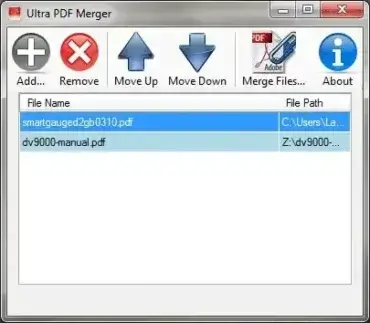
Ultra PDF Merger is a free and portable PDF file merging utility designed to combine multiple PDF documents into a single file with minimal effort. Built using C# on the Microsoft .NET framework, this lightweight tool focuses on doing one job well: merging PDFs quickly and reliably without unnecessary features or bloat.
This standalone executable is ideal for users who frequently need to combine reports, scanned documents, or downloaded PDFs into one cohesive file. While it does not require installation, it does rely on the Microsoft .NET Framework 4.0 to function properly. Users can easily control the order in which PDF files are merged and remove unwanted files from the queue before generating the final document.
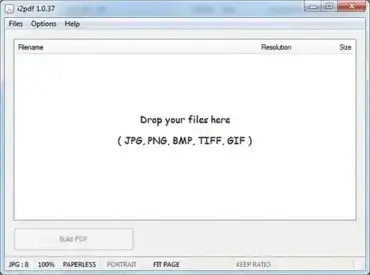
i2PDF is a lightweight, standalone image to pdf document converter that lets you quickly create Adobe files from images such as JPG, PNG, BMP, GIF, and TIFF. Designed to be tiny, fast, and portable, this utility runs directly from a USB drive without installation, making it a convenient solution for users who need a free image conversion tool on the go.
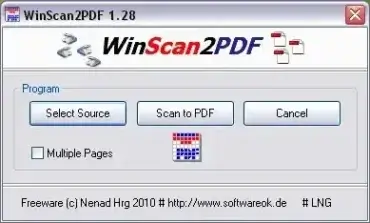
WinScan2PDF is a free and portable software utility that can be used to scan files to PDF files. Simply select the Source Scanner, click the Scan button, and it will proceed to save the scanned document as a PDF file. I've personally found this PDF scanner to be very useful when needing to send a signed document to someone via email.
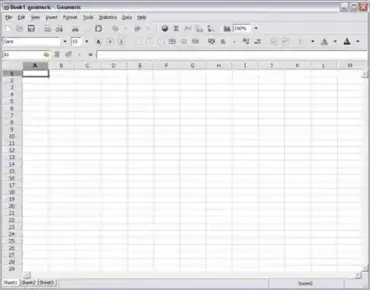
Gnumeric Portable is a portable wrapper for the free and open source Gnumeric free spreadsheet software. It provides many of the same core spreadsheet functions found in Microsoft Excel and can be used to both open and edit Excel created files. It well known for its mathematical accuracy and is often cited as being more precise than some proprietary spreadsheet programs.
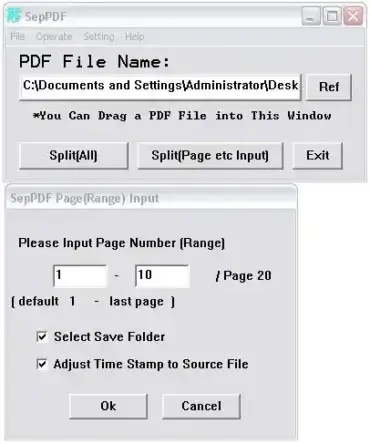
SepPDF is a PDF file splitter. This Free and portable file splitting tool can be used to separate or split PDF files. Split a multipage PDF file into an individual PDF file for each page.
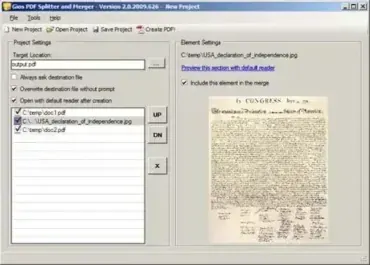
Gios PDF Splitter and Merger is a lightweight, portable, and completely free utility designed to handle common PDF (portable document file) management tasks with speed and simplicity. It allows users to split large PDF files into smaller documents, merge multiple PDFs into a single file, and convert JPG images into PDF format. Because it runs without installation, this tool is especially useful for USB flash drives and portable software collections.
This small but capable application is well suited for students, office workers, and home users who need to manage PDF files without installing bulky commercial software. According to its developer, this PDF Splitter and PDF Merger was among the earliest open source freeware tools to offer PDF splitting and merging functionality on Windows.
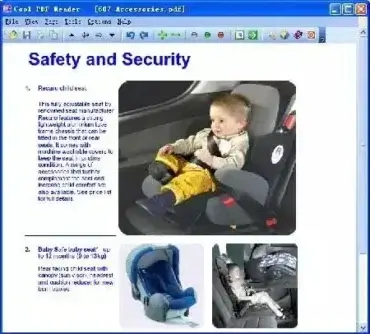
Cool PDF Reader is a free and portable PDF viewer and converter for Windows. It can be used to open, read, print, and convert PDF documents into formats such as TXT, BMP, JPG, GIF, PNG, WMF, EMF, and EPS. This lightweight standalone utility requires no installation, making it ideal for use from a USB flash drive.
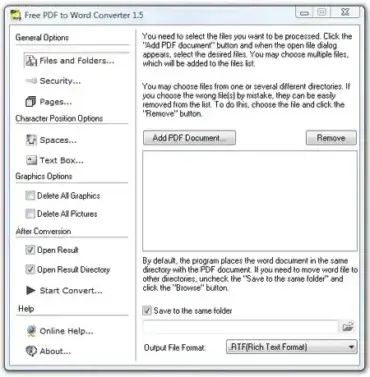
In today's digital age, we often juggle different file formats. Whether it’s a locked PDF or an editable Word file, having the flexibility to switch between them is essential. A free offline PDF to Word converter provides a practical solution for editing documents without relying on Internet-based tools or paid software.
Unlike online PDF converters that require uploading files to third-party servers, this Free PDF to Word Converter works entirely offline and can be used as a portable application. This makes it especially useful for privacy-conscious users, restricted work environments, and situations where Internet access is limited or unavailable.
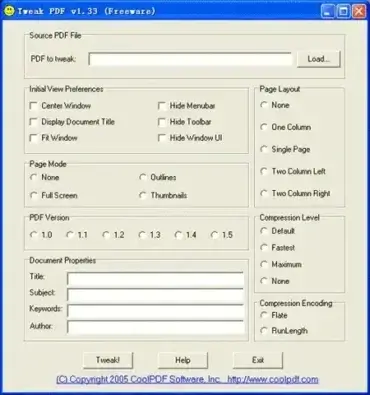
Tweak PDF is a Free tool that enables you to Edit PDF Files basic parameters. For example you can set the initial view preferences of a PDF document; Center window of the PDF file, display document title, fit window, hide menu bar, hide toolbar, hide window UI.
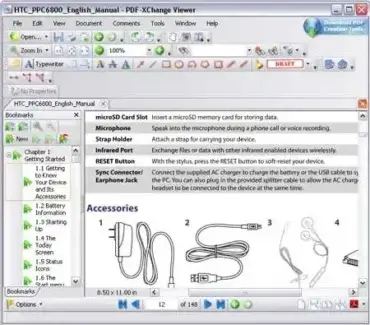
PDF-XChange is a powerful Free PDF Reader and Editor that offers far more functionality than a typical PDF viewer. This Portable PDF Viewer allows users to view multiple PDF documents in a tabbed interface, add comments or annotations, highlight text, and even type directly onto documents using the built-in Typewriter mode. It's a lightweight and versatile tool that is fast, feature-rich, and perfect for users who need more than just basic PDF reading capabilities.
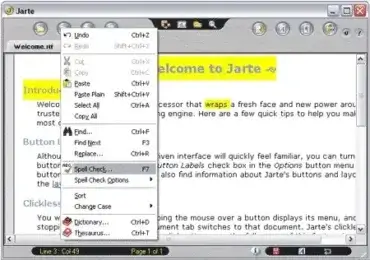
Jarte is a FREE Portable Word Processor or text editor. Based on the Microsoft WordPad word processing engine that built into Windows, it enables a user to open rich text or plain text documents including .doc documents created with Microsoft Word. Some key features include spell checking, formatting tools, multi level undo, clip functions, customizable look and feel and multi document support.
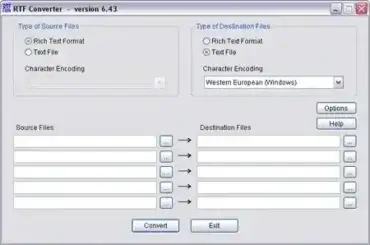
RTF Converter can be used to export or convert RTF Word documents into text files. It allows you to convert multiple files at once and supports virtually all types of character encoding.. Fully extracted this application uses less than 5MB of space making it an ideal portable RTF tool to have on practically any USB Stick.
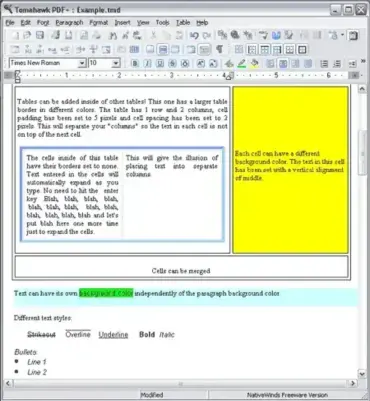
Tomahawk PDF+ is a FREE word processing and pdf creation package that allows documents to be produced and saved in a number of formats, including rich text and then exported as HTML or even converted to PDF files.
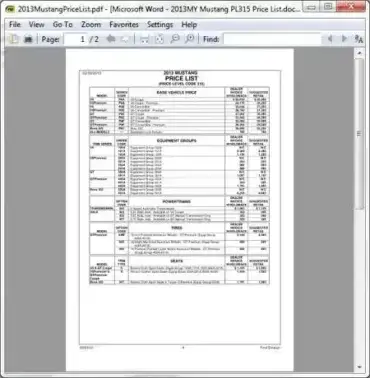
Sumatra PDF Portable is a highly efficient, open source portable PDF reader designed with one goal in mind; speed. It offers users a fast, clean, and reliable way to open and read PDF documents on any Windows PC, without requiring installation or admin access. As a fully portable app, it can be launched directly from a USB flash drive, portable SSD, or even cloud-synced folders like Dropbox or OneDrive. Preferences can be stored in the portable folder when portable mode is configured. However, opening or saving documents may involve recent-item lists, temporary data, or other records outside that folder, depending on the system and how the application is used.
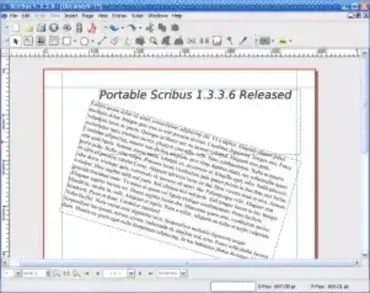
Portable Scribus is a stand alone, USB flash drive compatible version of Scribus, the popular open source desktop publishing (DTP) application. This portable desktop publishing tool allows users to create professional quality documents such as PDF files, newsletters, brochures, magazines, flyers, and books without installing software on the host computer.
As a free and open source alternative to proprietary publishing software like Adobe InDesign or the discontinued Adobe PageMaker, Portable Scribus is especially useful for designers, educators, students, and print professionals who need a powerful layout tool that can run directly from removable media.
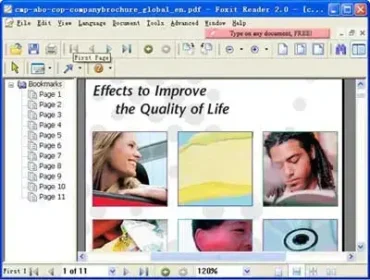
Foxit is a portable PDF Reader that allows users to view and print PDF files. It can easily be integrated into your current web browser as well. It's also fast... at the time of this writing, this software appears to load much quicker than Adobe Reader with virtually no delay in opening files.
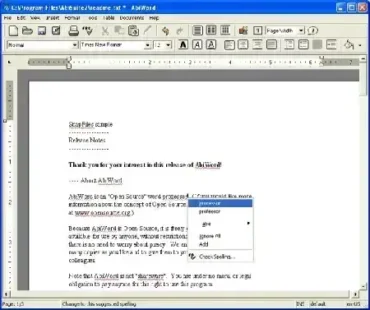
AbiWord Portable is a free and open source portable word processing application based on the AbiWord project. Often considered a lightweight alternative to Microsoft Word, it allows users to create, edit, and view documents directly from a USB flash drive or other portable storage device—without installation.
Designed for speed and portability, it is ideal for users who need a capable word processor on the go. Despite its small footprint, it supports a wide range of document formats and offers essential word processing features suitable for everyday writing, editing, and document compatibility tasks.

