Free Backup Software
Free backup software can help protect personal files, synchronize folders, create disk images, or preserve system drivers before maintenance. This category includes a mix of file-level backup tools and utilities for cloning or imaging drives. Before choosing one, check which data it copies, whether it supports scheduled jobs and external or network destinations, and how restoration works.
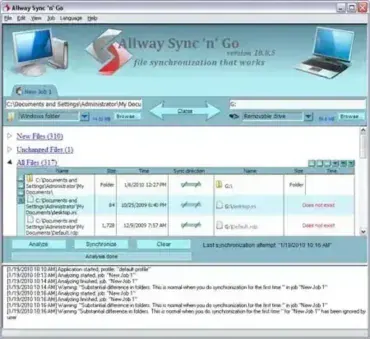
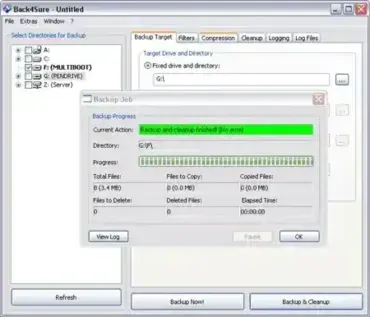
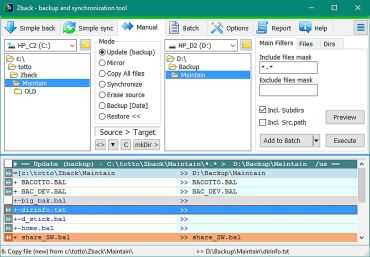
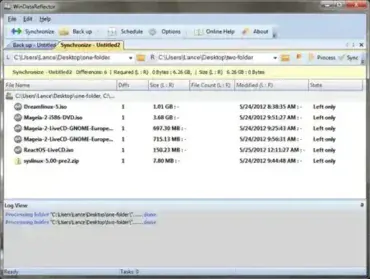
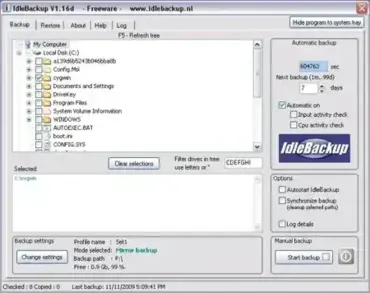
Back Up and Synchronize Files and Folders: For everyday file backups and folder synchronization, compare Back4Sure, ZBack, WinDataReflector, Allway Sync, and IdleBackup. Their scheduling, synchronization, filtering, and destination options differ, so review the individual entries before setting up a job.
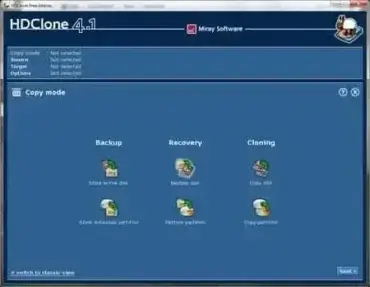
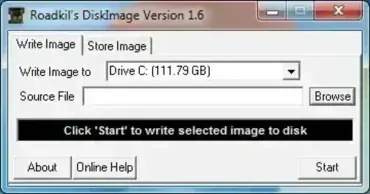
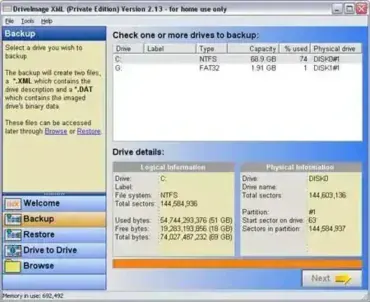
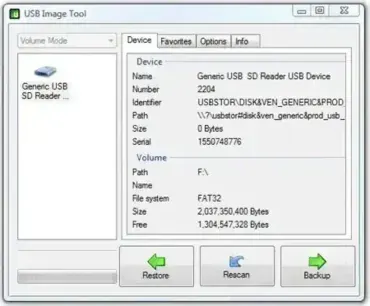
Create Disk Images and Clone Drives: To save or duplicate a removable drive, see USB Image Tool, HDClone, and Roadkil’s Disk Image. For partition or drive image backups, review DriveImage XML. Disk imaging and cloning can overwrite the destination drive when restoring or copying, so confirm the source and destination carefully before starting.
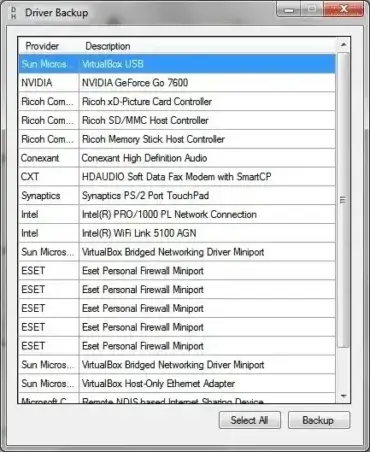
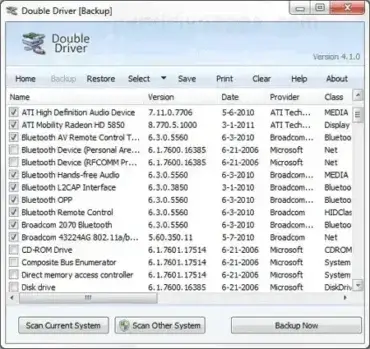
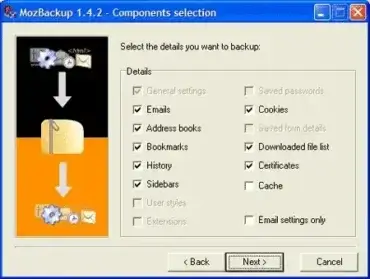
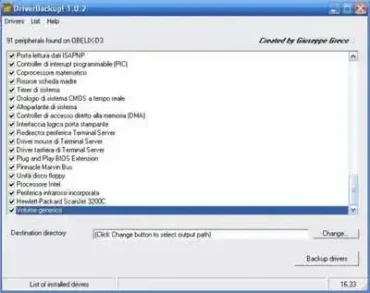
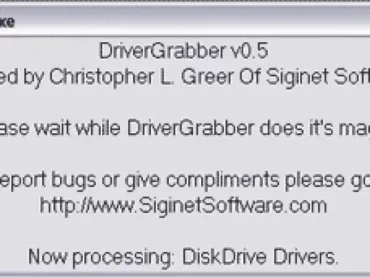
Back Up and Restore Windows Drivers or Profiles: If you’re preparing for Windows maintenance or a reinstall, Double Driver, DriverBackup!, and Driver Backup can help export installed drivers. MozBackup is an older profile-backup utility for Firefox and Thunderbird; check its compatibility and maintenance status before relying on it.
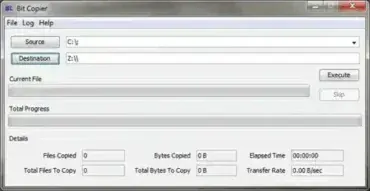
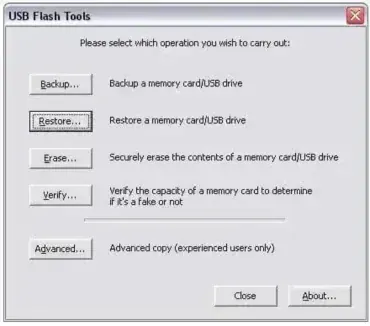
Back Up USB Drives and Other Removable Storage: USB Flash Tools includes utilities for managing, backing up, restoring, and checking removable storage. For bit-level file copying, see Bit Copier. Use tools that match the task: a file backup is not the same as a full-drive image, and neither should be assumed to preserve bootability unless the software specifically supports it.
Backup Best Practices: Keep at least one backup separate from the computer or drive being protected, and verify that important files can actually be restored. Synchronization can also copy deletions or unwanted changes, so it should not be your only backup. Driver backups preserve system drivers, not personal documents, photos, or other user files. Check current compatibility and portability details in each software review before use.