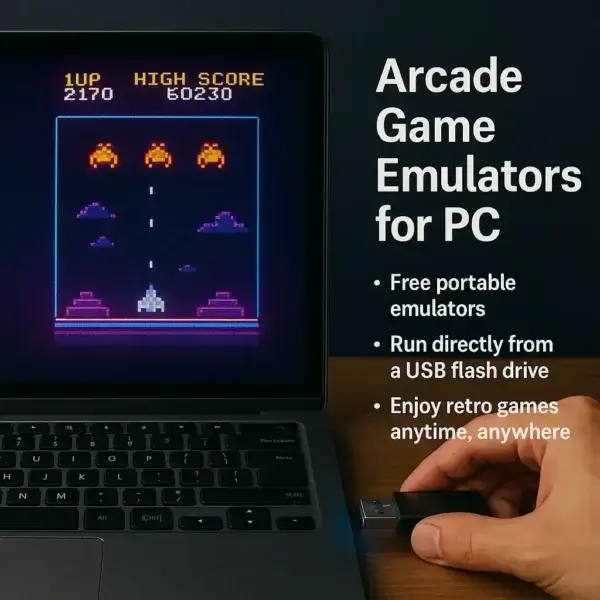
Arcade Game Emulators for PC

Portable arcade game emulators for PC let you play classic retro games directly from a USB flash drive with no installation required. These lightweight tools allow you to carry your favorite arcade titles anywhere and run them on almost any Windows computer without leaving a footprint on the host system.

This category features the best free portable arcade emulators, including multi-system frontends, classic arcade machine emulators, and console-based emulation software. Each emulator listed here is selected for performance, compatibility, and ease of use when running from removable media.

What Is an Arcade Game Emulator?

An arcade emulator is software that recreates the original hardware environment of classic arcade machines or gaming consoles. By using game ROM files, these programs allow modern PCs to run retro games that were originally designed for arcade cabinets or older systems.

Why Use Portable Emulators from a USB Drive?

Portable emulators offer several advantages over traditional installed software. Because they run directly from a USB flash drive, they are ideal for users who want a flexible and self-contained gaming setup.

  • No installation required
  • Run on multiple PCs without setup
  • Keep your emulator and games in one place
  • Leave no traces on the host system
  • Perfect for travel or shared computers

Popular Types of Arcade Emulators

This category includes several types of emulation software designed for different gaming platforms and use cases:

  • Multi-system emulators: All-in-one platforms that support multiple consoles and arcade systems
  • Arcade machine emulators: Designed specifically for classic coin-op arcade games
  • Console emulators: Play games from systems like NES, Sega Genesis, and Game Boy
  • DOS emulators: Run classic DOS-based games and applications

Getting Started

To start playing, simply download a portable emulator, extract it to your USB flash drive, and add your game ROMs. You can then launch the emulator from any compatible PC without installing additional software. Most emulators include simple configuration options for controls, graphics, and performance.

Explore the emulator listings below to find the best portable solution for your retro gaming setup.

RetroArch Console Game Emulator
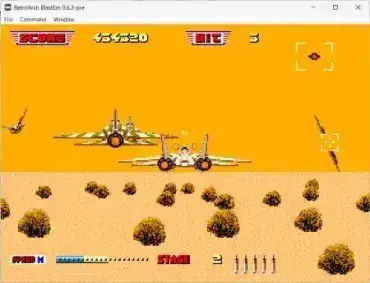
RetroArch - Playing AfterBurner - Console Game Emulator

RetroArch is a free and portable open source emulator software that allows users to play their favorite games from a wide range of classic gaming consoles and platforms on modern devices. Rather than functioning as a single emulator, RetroArch acts as a unified front end that brings together multiple emulation engines under one consistent interface.

It is available on many platforms, including Windows, macOS, Linux, Android, iOS, and even several gaming consoles, making it one of the most versatile retro gaming solutions available today.

Visual Boy Advance Emulator

Visual Boy Advance Emulator for PC

Visual Boy Advance (VBA) is an Open Source Game Boy Advance Emulator that allows users to play Nintendo Game Boy, Game Boy Color, and Game Boy Advance games on a PC. Originally released in 2004, VBA quickly became one of the most popular Game Boy emulators for Windows, and it remains one of the best portable emulators available today.

Gens - Sega Genesis Emulator

Gens SEGA Game Emulator

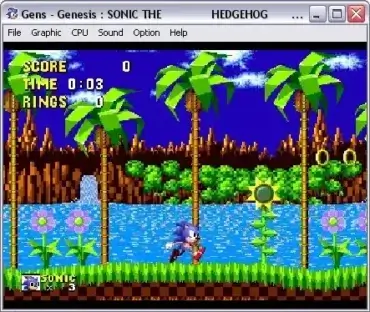
Gens is a classic Sega Genesis emulator for Windows that allows users to play Sega Genesis and Mega Drive games directly on a PC. A portable version is available from the author, making it easy to store and run the emulator from a USB flash drive without installation.

MAME - Free Arcade Game Emulator for PC

MAME - Free Arcade Game Emulator

MAME - Multiple Arcade Machine Emulator is a free arcade game emulator for PC. This arcade emulation software absorbed its sister project which was previously known as MESS (Multi Emulator Super System). The multi purpose emulation framework can be used to play old arcade games via ROMS on your modern computer. The Game Emulation Software can currently emulate thousands of old classic arcade video games.

DOSBox - Portable DOS Emulator

dosbox-screenshot

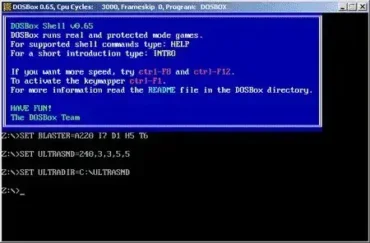
DOSBox is a portable DOS emulator or Portable DOSBox that can be used to run many old DOS games or applications that cannot be run on a modern Windows Operating System. It is great to use for those old DOS software applications or games you may have sitting around collecting dust.

Jnes - Portable NES Emulator

jnes-screenshot-featuring-metroid

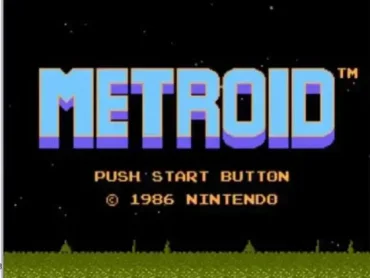
Jnes is an old school Nintendo Entertainment System (NES) emulator that can be run from a portable device such as a USB flash drive. This lightweight NES emulation software not only provides accurate gameplay but also includes an advanced database of Pro Action Replay and Game Genie cheat codes to enhance your gaming experience. Best of all, it supports Kaillera netplay so you can play with or against your friends across the network in real time.