Everything File Search Tool
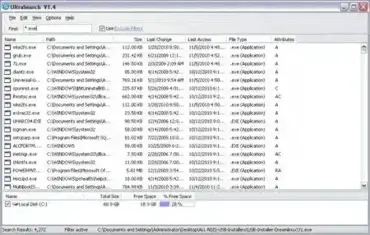
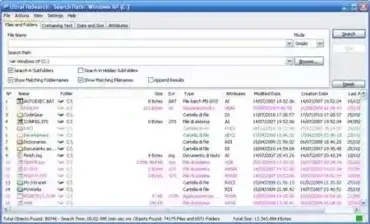
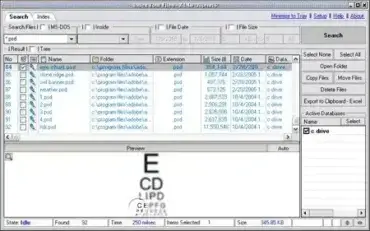
Everything is a free Windows file search utility from voidtools that finds files and folders by name. Instead of repeatedly searching through directory contents, it builds and maintains a searchable index of file and folder names, allowing results to appear as you type. The interface is simple: enter part of a name, narrow the results with filters or search syntax, and open the matching item or its containing folder.
Everything is particularly useful when Windows Search feels slow or when you regularly work with large collections of files on local drives. It is designed for filename and path searches, not for searching the text inside documents. The program can update its index as the file system changes, and the publisher describes it as lightweight, offline, and free of telemetry. Initial indexing and access to certain NTFS information may require elevated permissions or the Everything service, depending on how it is configured.
The application is available as a standard installer and as a portable ZIP archive. The portable executable can be extracted to a folder and run without a conventional installation. The publisher currently lists stable version 1.4.1.1032 and a separate 1.5 beta branch, so most users should choose the stable release unless they specifically want to test beta features.
Everything File Search Tool
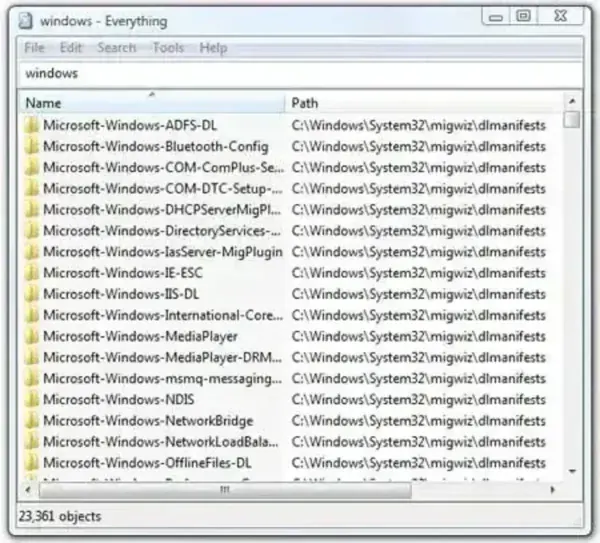
Everything Features
- Instant filename search: Results update as you type, making it easy to locate files and folders by name.
- File and folder indexing: Maintains a searchable index rather than scanning every folder from scratch for each query.
- Live index updates: Keeps the index current as supported file-system changes occur.
- Search filters and syntax: Narrow results by path, extension, wildcards, and other search operators.
- Portable ZIP edition: Extract the portable package and run Everything.exe from the folder you choose.
- Multiple architectures: The publisher provides x86, x64, ARM, and ARM64 packages for supported Windows environments.
- Offline operation: Local filename searches can be performed without an internet connection.
Using Everything from a USB Drive
Download the portable ZIP package from the official voidtools website, extract it to a folder on your USB flash drive, and run Everything.exe. The publisher states that the portable executable does not require installation and does not make system changes simply by being launched. Select the appropriate package for the Windows architecture you use. The x86 version works on both 32-bit and 64-bit Windows, while the x64 package requires 64-bit Windows and supports larger databases.
When using Everything on a different computer, the available search results depend on the drives and folders that the program can index on that computer. Some indexing methods require administrator permissions or the Everything service. A portable copy does not automatically give it access to every protected location.
What Everything Searches
Everything is a filename search engine. It is designed to locate items based on their names and paths, not to search inside the contents of Word documents, PDFs, or other files. It is therefore a useful complement to content-indexing search tools rather than a replacement for every type of Windows search. If you need to find a document by a phrase written inside it, use a tool that supports full-text indexing.
Developer: voidtools
License: Freeware.
Specifications
- Editor's Rating: ★★★★☆ (4/5)
Download: Download Everything. Choose the stable release and its Portable ZIP package for USB use.