screen capture

Screen Clipper - Screen Capture
screen-clipper

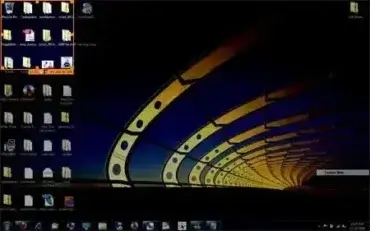
Screen Clipper is a free, lightweight portable screenshot tool for Windows designed to quickly capture a selected portion of the desktop. Its simple interface lets you position a capture window over the area you want to save, resize the selection, and confirm the capture with a check mark button.

With an extracted size of approximately 204 KB, Screen Clipper was an extremely small utility that could be carried on a USB flash drive and used without a traditional installation. The original project is no longer actively maintained, but an archived project page and a last-known copy of the software are preserved here for historical and archival purposes.
Greenshot Free Screen Capture Tool

greenshot-free-screen-capture

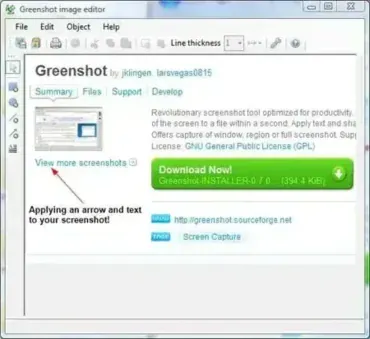
Greenshot is a free, open source, and portable screen capture tool for Windows. It allows you to take screenshots of your entire screen, a single window, or a selected region, then save or edit the image instantly.

SNAP - Active Window Screen Capture

snap-screen-capture

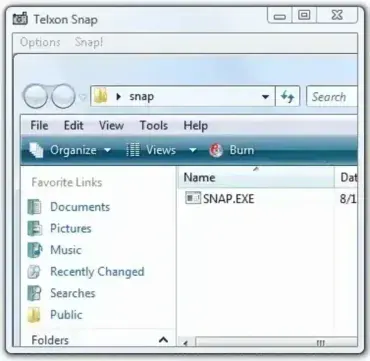
Snap is a free portable screen capture tool that can be used to capture screen shots of active Windows. Ether select the active window or create an area on the desktop and click Snap to copy to the clipboard. The resulting clipboard images can then be opened and edited using your favorite image editing tools such as photoshop.

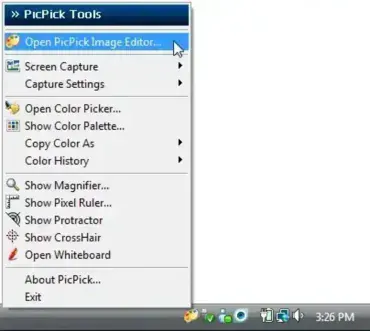
PicPick Capture Pick and Copy Color

PickPic Screen Color Picker to copy colors

How do I choose a color from my screen? Can I capture a color from an image or picture? What about copying colors from web pages? These are all common questions for designers, developers, and everyday users.

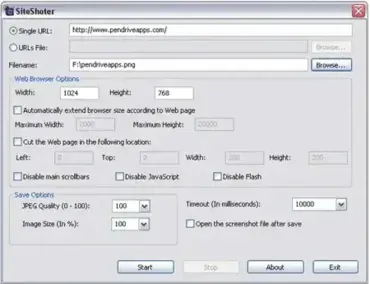
SiteShoter - Webpage Screenshot Tool

screenshoter

SiteShoter is a free and portable webpage screenshotting tool developed by NirSoft. It allows you to capture screenshots of entire web pages automatically, without needing to open a visible browser window.

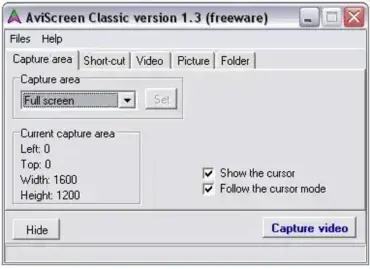
AviScreen Portable Screen Capture Tool

aviscreen-portable-screen-capture-tool

AviScreen Portable is a free, lightweight, and portable screen capture tool designed to help you record desktop screen activity as AVI video or bitmap images. It is perfect for users who need to create tutorials, capture gaming sessions, or document workflows without installing software on their system. With its unique follow the cursor feature, it allows you to record a smaller area of the screen that dynamically follows your mouse movements, making it a versatile tool for creating focused and professional recordings.

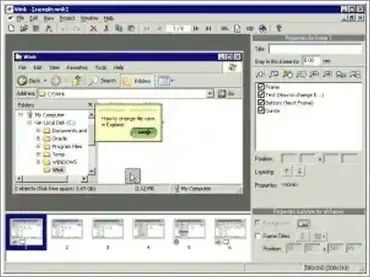
Wink Portable Screen Recorder

wink-portable-screenshot

Wink Portable is a free and lightweight screen recording and screencasting tool designed to run directly from a USB flash drive without installation. Based on the original Wink tutorial creation software, this portable version allows users to create software tutorials, demonstrations, and instructional walkthroughs from virtually any Windows PC.

FastStone Capture - Portable Screen Recorder

faststone-screen-capture-screenshot

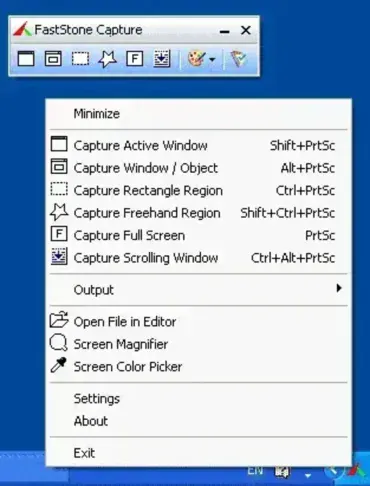
FastStone Capture is a portable screen capture and screen recording tool that can be stored and run entirely from a USB flash drive. It allows users to capture anything displayed on a Windows computer screen, from a single window or selected region to the entire desktop.