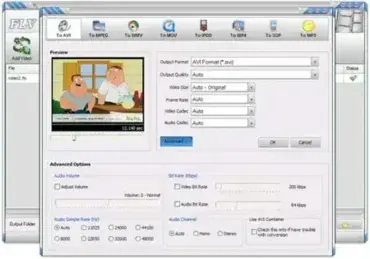
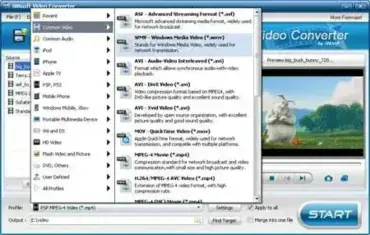
WMV Converter: Legacy Windows Media Video Converter
WMV Converter is an older Windows video conversion utility described as converting several common video formats into Windows Media Video (WMV). The original listing mentions AVI, MPEG, and MP4 as possible input formats. WMV was widely supported by Windows Media Player and other Windows software, making conversion useful when preparing videos for older Windows-based playback environments.
Convert Video Files to WMV
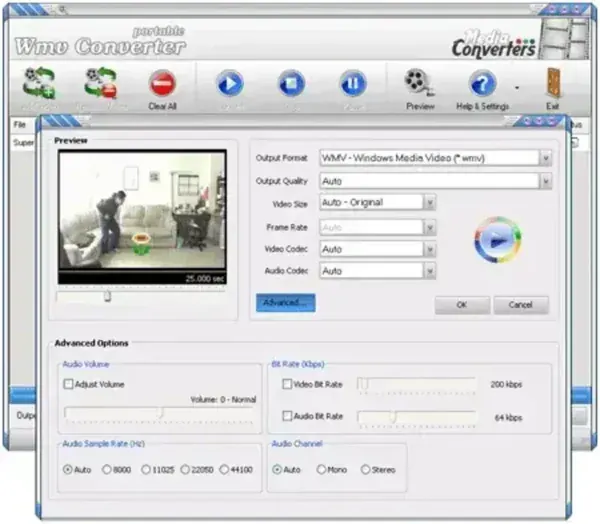
The program's stated purpose is to convert video into WMV rather than serve as a full media editor. The original description lists AVI, MPEG, and MP4 as example source formats. Output depends on the available encoder and settings in the particular release.
Converting a file generally involves decoding the source and encoding it again. The resulting WMV may be smaller or more compatible with a legacy player, but re-encoding can reduce image or audio quality. Keep an untouched copy of the source until you have checked the result on the intended computer or device.
When WMV Conversion Makes Sense
WMV can still be useful in some older Windows workflows, but it is not the default choice for most current devices and web platforms. Modern players commonly support formats such as MP4 with H.264 or newer codecs. Choose WMV only when the target application or device specifically requires it, and confirm whether it expects a particular Windows Media codec or profile.
A file extension alone does not identify every detail of a video. The container, video codec, audio codec, resolution, and frame rate all affect compatibility. A WMV file that plays on one system may still fail in an older application if it uses a newer codec profile.
Availability and Compatibility
The original WMV Converter website and executable download are not verified as current maintained sources. The old listing described the program as portable and open source, but those details are not proof that an archived executable is safe or compatible with modern Windows. Do not use an unverified mirror for important files.
WMV Converter Specifications
- License: Originally listed as open source
- Platform: Windows; current compatibility unverified
- Original purpose: Convert AVI, MPEG, and MP4 video to WMV
- Deployment: Portable executable (original listing)
- Availability: Original download no longer verified
- Editor's Rating: ★★★☆☆ (3/5)
Modern Video Conversion Options
For current media formats, HandBrake is a maintained open-source converter that creates MP4, MKV, and WebM files. It does not create WMV output, so it is suitable when you can use a modern format rather than when a legacy application specifically requires Windows Media Video.
For advanced users who must create an older WMV-compatible stream, FFmpeg documents WMV1 and WMV2 encoders and their container limitations. Its command-line interface requires more technical knowledge, and output should be tested with the exact target player. See the official FFmpeg format and codec notes.
Is WMV Converter Still Worth Using?
The program had a clear purpose when WMV was a common target for Windows video playback. Today, that use case is narrower, and the lack of a verified download or current support makes it difficult to recommend. For new conversion projects, choose maintained software with transparent format and codec support. See our audio and video tools category for other media utilities.