
Google Chrome Portable is a standalone version of the popular Google Chrome web browser that can be run directly from a USB flash drive or other removable media. Because it does not require installation, users can carry their browser, bookmarks, extensions, and settings with them and use it on almost any Windows computer they have access to.
This portable browser is based on Chromium and was adapted for portable use on Microsoft Windows systems by Carsten Knobloch. Its portable profile is intended to keep browser data in the portable directory, reducing reliance on the host's usual Chrome profile. Windows and other software may still record activity or create files outside that directory.
Run a Portable Google Chrome from USB
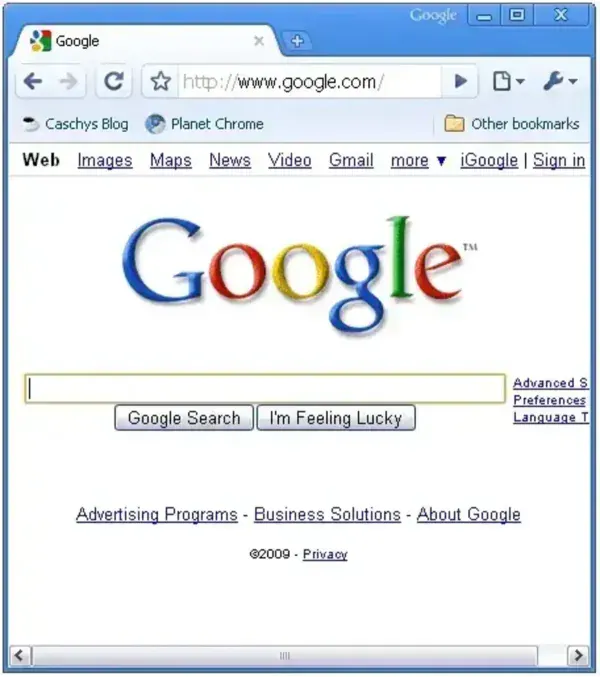
Google Chrome Portable offers the same fast browsing engine, compatibility, and modern web standards support as the installed version of Chrome, but with the added benefit of mobility. It is ideal for users who frequently work on multiple computers, shared systems, or locked down environments where software installation is restricted.
Key Features of Google Chrome Portable
- Portable Operation: Designed to run from a USB drive or external storage without a traditional installation. Windows or other software may still create files, logs, or registry entries on the host computer.
- Full Chrome Experience: Includes support for extensions, bookmarks, saved passwords, themes, and Chrome profiles.
- Portable Profile Storage: The profile is stored in the portable folder to help preserve settings between compatible systems. Some activity may still be recorded elsewhere by the operating system or other software.
- Chromium Based Security: Uses the same rendering engine and security model as standard Google Chrome, including sandboxing and site isolation.
- Updater Included: Comes with a built in updater utility to keep the portable browser current with security patches and new features.
- Portable Profile: Can keep browser data in the portable directory, reducing reliance on the computer's usual Chrome profile location. The host system or other software may still record activity, so this does not guarantee privacy on public or shared computers.
Why Use a Portable Chrome Browser?
A portable browser is especially useful for users who want full control over their browsing environment without relying on a specific computer. Google Chrome Portable allows you to carry your extensions, login sessions, and browsing preferences with you at all times.
Common use cases include:
- Using Chrome on work or school computers where installation is blocked.
- Maintaining a consistent browser setup across multiple systems.
- Testing websites or extensions without affecting a local browser.
- Carrying a consistent browser profile between compatible computers. This does not make an untrusted or shared computer private.
Portable Chrome Specs | Official Site | Where to Download?
- Author's Website: Portable Version Project Page
- Developer: Carsten Knobloch
- License: Open source freeware
- Supported Operating Systems: Windows
- Download: Google Chrome Portable Download
Note: As quoted from the Author; "Chromeloader.exe is a simple AutoIt Script compiled into an exe file. ChromeLoader.exe was packed with UPX. If you get an error from your Antivirus software, it is likely a false positive".
How to Use Google Chrome Portable
To install and run this portable Chrome browser from a USB flash drive:
- Download the portable package and extract it to your USB drive. You should end up with a PortableGoogleChrome folder.
- Open the folder and launch ChromeLoader.exe to start the browser.
The portable profile is intended to store bookmarks, extensions, and other browser data inside the profile folder. Other software or the operating system may still record activity outside that directory. You can also use the included Chrome Updater.exe to keep the browser up to date.
Chrome Portable vs Installed Chrome
- Installed Chrome: Tied to a single computer and user account, stores data locally on the system.
- Chrome Portable: Can be moved between compatible computers with its portable profile. This reduces reliance on a local installation but does not guarantee that the host system remains unchanged.
Final Thoughts
Google Chrome Portable is an excellent solution for users who want the speed, compatibility, and extension support of Chrome without committing to a permanent installation. Its ability to run directly from removable media makes it especially useful for IT professionals, students, developers, and privacy conscious users.
If you are looking for a fast, familiar, and reliable portable web browser that can travel with you anywhere, Google Chrome Portable remains one of the best options available for Windows based systems.
