Foobar2000 - Portable Audio Player
foobar2000 is a customizable audio player for Windows, macOS, Android, and iOS. The Windows edition supports common formats out of the box, including MP3, AAC, FLAC, WAV, and other popular formats. Additional decoder and DSP components extend its capabilities, while its portable install mode keeps the program's configuration with the application instead of using a standard system-wide setup.
Foobar2000 | Portable Audio Player
About Foobar2000
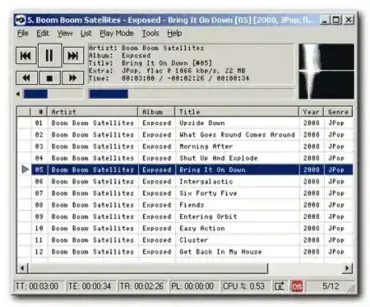
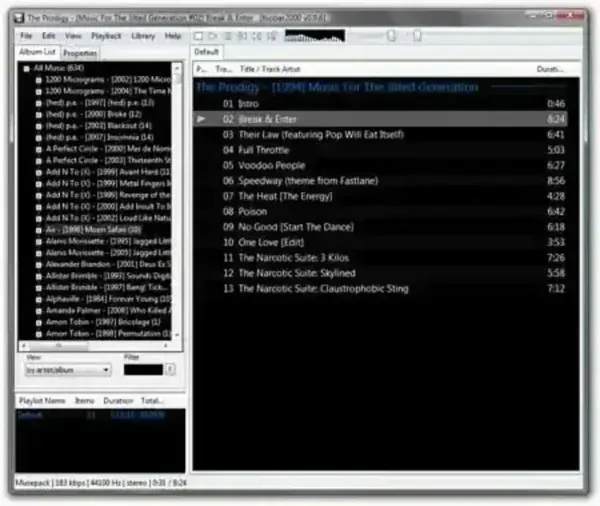
foobar2000 combines music playback, library management, playlist tools, and audio file tagging in one application. Its interface can be rearranged and extended with components, so users can build a simple player or a more detailed music library workspace.
Key features include:
- Interface customization: Adjust the layout and add compatible components to tailor the player to your workflow.
- Audio playback: Plays mainstream formats, supports gapless playback, and can add decoders for additional formats.
- Advanced tagging and organization: The application provides advanced tagging and organization features, allowing users to manage their music library efficiently. It supports metadata editing, and you can organize your music based on various criteria.
- Playback controls: Includes basic playback controls such as play, pause, stop, next, and previous. It also supports keyboard shortcuts for easy navigation.
- Components and DSP: Add compatible components and digital signal processing tools to extend playback and library functions.
- Audio conversion and CD ripping: Convert supported audio formats and rip Audio CDs; additional encoder binaries may be needed for some output formats.
- CUE sheet support: Supports CUE sheets, which are text files that contain information about how audio tracks are organized on a disc.
- Low resource usage: Known for its low system resource usage, making it a lightweight and efficient choice for users who want a simple and fast audio player.
foobar2000 is useful for listeners who want detailed control over playlists, metadata, playback processing, and library organization. Third-party components can add useful features, but check that each component supports your installed foobar2000 version and architecture before adding it.
Portable Install and Windows Compatibility
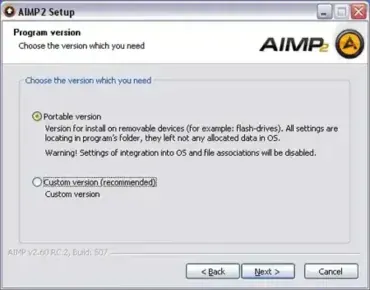
The Windows installer offers a portable installation option. Choose it during setup to keep configuration data in the program folder, making it easier to move the application and its settings together. Portable mode does not provide Windows shell integration, such as registering foobar2000 as the default player through the normal file-association controls. Keep music files and any linked artwork or playlists accessible when moving the folder between computers.
The current Windows release is foobar2000 2.26.3, released November 16, 2026. The publisher lists Windows 7 or newer and provides 32-bit, 64-bit, and ARM builds. Check the official change log for release details.
foobar2000 Specifications
- Editor's Rating: ★★★★☆ (4/5)
- Version: 2.26.3 (November 16, 2026)
- Platform: Windows 7 or newer; 32-bit, 64-bit, and ARM builds
- Deployment: Installer with portable installation option
- Features: Audio playback, gapless playback, playlists, tagging, ReplayGain, DSP, conversion, CD ripping, components
- Authors Website: Official Foobar2000 Page
- Developer: Peter Pawlowski
- Release Date: First released in 2002
- License: Freeware
- Download: Get the official Windows installer from the
foobar2000 for Windows page