
Sumatra PDF Portable is a highly efficient, open source portable PDF reader designed with one goal in mind; speed. It offers users a fast, clean, and reliable way to open and read PDF documents on any Windows PC, without requiring installation or admin access. As a fully portable app, it can be launched directly from a USB flash drive, portable SSD, or even cloud-synced folders like Dropbox or OneDrive. All preferences and settings stay inside the portable folder, ensuring no traces are left behind on the host computer.
Whether you need a free portable PDF viewer for work, school, troubleshooting, or travel, this top rated PDF reader has become a favorite for technicians, students, and professionals who want a simple and dependable document viewer.
Sumatra Free Portable PDF Viewer
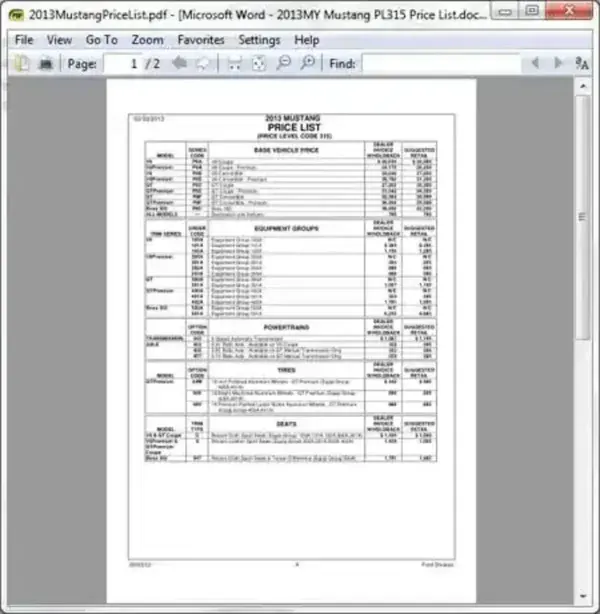
Key Features of Sumatra PDF Portable
- No Installation Required: Just plug in your USB drive and run the application from any folder or device.
- Ultra-Lightweight: With an extracted size of only 4.30 MB, Sumatra remains one of the smallest PDF readers available.
- Lightning Fast Performance: Opens PDF files quickly and handles large documents with ease.
- Minimalist Interface: A distraction-free and clean reading environment that focuses on simplicity over bloat.
- Supports Multiple Formats: In addition to PDF, Sumatra can open EPUB, MOBI, CHM, DjVu, XPS, CBZ, and CBR files—making it a versatile all-in-one reader.
- Ideal for Older PCs: Because it uses so few system resources, it’s perfect for older or low-power computers.
Specifications and Downloading
- Author's Website: Sumatra PDF Reader
- Developer: Created by Krzysztof Kowalczyk
- Extracted Size: 4.30 MB
- License: Open Source
- Supported OS: Windows XP – Windows 11
- Rating: 4 Star
- Download: Get Sumatra Portable HERE
Final Thoughts on Sumatra Portable
If you're looking for a reliable, fast, and ultra-lightweight solution to read PDF files on the go, Sumatra PDF Portable is an excellent choice. Its minimalist design, portability, and open source foundation make it ideal for students, IT professionals, travelers, and anyone who frequently works on different computers. Whether you keep it on a USB flash drive or an external hard disk, you'll always have a powerful PDF viewer at your fingertips; without bloat, ads, or installation hassles. Give it a try and experience portable software done right.
