
Google Chrome Portable is a standalone version of the popular Google Chrome web browser that can be run directly from a USB flash drive or other removable media. Because it does not require installation, users can carry their browser, bookmarks, extensions, and settings with them and use it on almost any Windows computer they have access to.
This portable browser is based on Chromium and was originally adapted for portable use on Microsoft Windows systems by Carsten Knobloch. All user data is stored locally within the portable directory, allowing Chrome to run independently without modifying the host system.
Run a Portable Google Chrome from USB
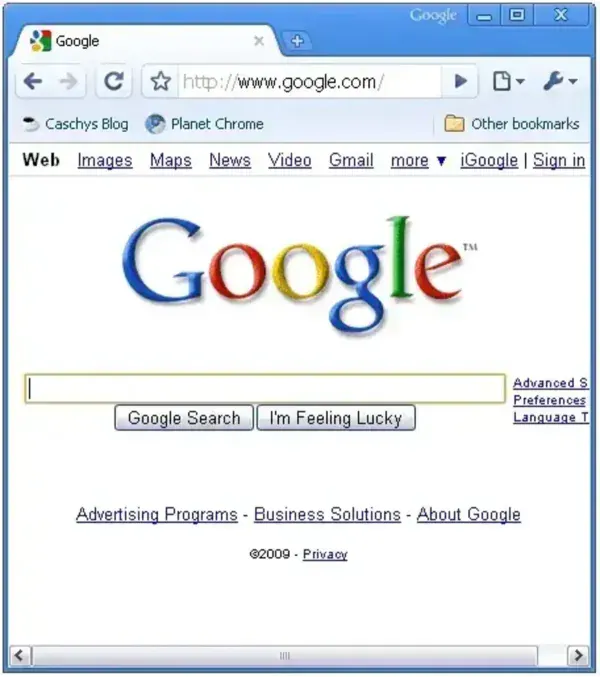
Google Chrome Portable offers the same fast browsing engine, compatibility, and modern web standards support as the installed version of Chrome, but with the added benefit of mobility. It is ideal for users who frequently work on multiple computers, shared systems, or locked down environments where software installation is restricted.
Key Features of Google Chrome Portable
- True Portability: Runs entirely from a USB drive or external storage device without installing files or registry entries on the host computer.
- Full Chrome Experience: Includes support for extensions, bookmarks, saved passwords, themes, and Chrome profiles.
- Automatic Profile Storage: All browsing data is saved within the portable folder, ensuring your settings remain consistent across systems.
- Chromium Based Security: Uses the same rendering engine and security model as standard Google Chrome, including sandboxing and site isolation.
- Updater Included: Comes with a built in updater utility to keep the portable browser current with security patches and new features.
- No System Footprint: Leaves no traces behind on the host PC when closed, making it suitable for public or shared computers.
Why Use a Portable Chrome Browser?
A portable browser is especially useful for users who want full control over their browsing environment without relying on a specific computer. Google Chrome Portable allows you to carry your extensions, login sessions, and browsing preferences with you at all times.
Common use cases include:
- Using Chrome on work or school computers where installation is blocked.
- Maintaining a consistent browser setup across multiple systems.
- Testing websites or extensions without affecting a local browser.
- Running a private browser environment on shared machines.
Portable Chrome Specs | Official Site | Where to Download?
- Author's Website: Portable Version Project Page
- Developer: Carsten Knobloch
- License: Open source freeware
- Supported Operating Systems: Windows
- Download: Google Chrome Portable Download
Note: As quoted from the Author; "Chromeloader.exe is a simple AutoIt Script compiled into an exe file. ChromeLoader.exe was packed with UPX. If you get an error from your Antivirus software, it is likely a false positive".
How to Use Google Chrome Portable
To install and run this portable Chrome browser from a USB flash drive:
- Download the portable package and extract it to your USB drive. You should end up with a PortableGoogleChrome folder.
- Open the folder and launch ChromeLoader.exe to start the browser.
All saved data, including bookmarks and extensions, is stored inside the profile folder within the portable directory. You can also use the included Chrome Updater.exe to keep the browser up to date.
Chrome Portable vs Installed Chrome
- Installed Chrome: Tied to a single computer and user account, stores data locally on the system.
- Chrome Portable: Fully self contained, can be moved between computers, and does not modify the host system.
Final Thoughts
Google Chrome Portable is an excellent solution for users who want the speed, compatibility, and extension support of Chrome without committing to a permanent installation. Its ability to run directly from removable media makes it especially useful for IT professionals, students, developers, and privacy conscious users.
If you are looking for a fast, familiar, and reliable portable web browser that can travel with you anywhere, Google Chrome Portable remains one of the best options available for Windows based systems.
