
DropUpLoad was an older Windows utility associated with RankSpirit and described in historical listings as an FTP upload spooler. The original page said it queued files for transfer and could be run without a conventional installation. We have not verified a current developer release, the original source code, or the safety and integrity of archived downloads, so this article is now a historical reference rather than a recommendation to use the program for live website maintenance.
DropUpLoad: Legacy FTP Upload Utility
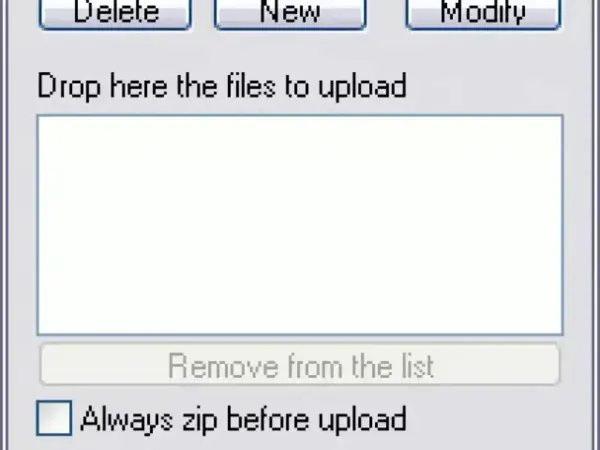
What Was DropUpLoad Designed to Do?
DropUpLoad was described as a small utility for sending files to a server using FTP. Its historical description emphasized queueing multiple files and controlling the upload process. We have not independently tested those features, and the available archived information does not establish how well it handled interrupted transfers, retries, file conflicts, or server errors.
The old listing characterized the program as portable and open source. Those claims have not been independently verified against an accessible source repository or current release. A tool's age, small file size, or ZIP packaging does not establish that it is secure or suitable for current systems.
Download and Compatibility Status
- Developer association: Historically associated with RankSpirit.
- Current release: Not verified.
- Original source code and license: Not independently verified.
- Windows compatibility: Not tested on current Windows versions.
- Portable operation: Claimed by the historical listing, but not retested.
- Download safety: Unknown; file integrity and provenance have not been established.
We have removed the direct download link because we cannot confirm the archived executable's origin or integrity. Do not use an unverified FTP utility to update a production website: FTP does not encrypt credentials or file contents, and a failed or incorrect transfer can affect live files. If you must manage a server, use a maintained client and a secure protocol supported by your host, such as SFTP or FTPS. Confirm the protocol and connection details with your hosting provider.
Modern Alternatives and Safer File Transfers
For current website maintenance, choose a maintained file-transfer client that supports secure connections, clear transfer status, retry handling, and host-key or certificate verification where applicable. Keep a backup of the affected files before deploying changes, verify the destination directory carefully, and test updates on a staging site when possible.
Historical Reference
DropUpLoad is retained here for readers researching older Windows FTP utilities. Its current download, licensing, security, and compatibility could not be verified, so we do not recommend it for present-day website uploads.
