
FreeCAD is a free and open source parametric 3D CAD software that includes a portable version for Windows. It can be used to design real life objects of any size, making it ideal for engineering, product design, architecture, and hobbyist modeling. Because it is parametric, you can easily modify your designs by going back into your model history and changing parameters.
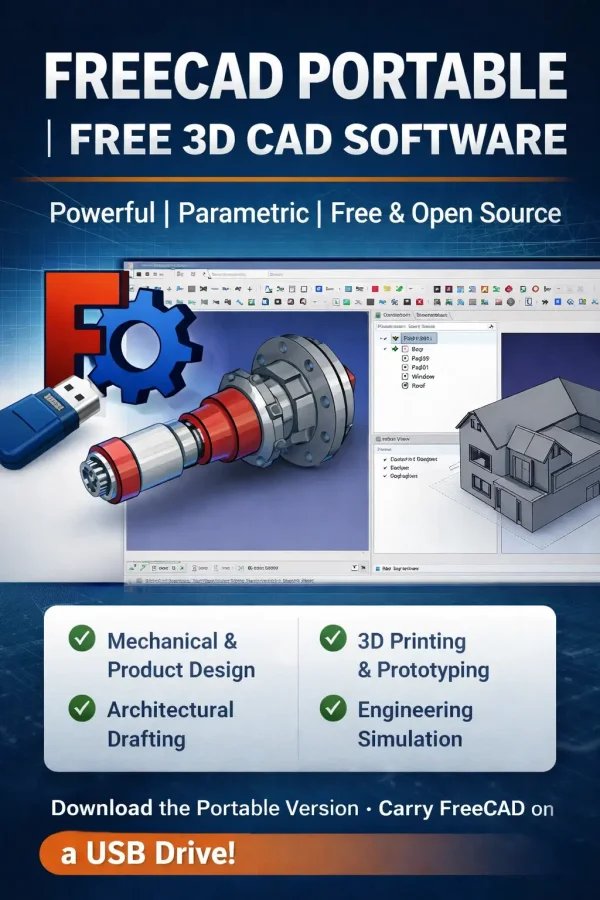
FreeCAD Portable | Free 3D CAD Software
This powerful parametric 3D modeling application was designed for creating detailed engineering models, mechanical parts, and architectural designs. Unlike many CAD programs, it is completely free and open source, with no paid upgrade tiers or feature restrictions.
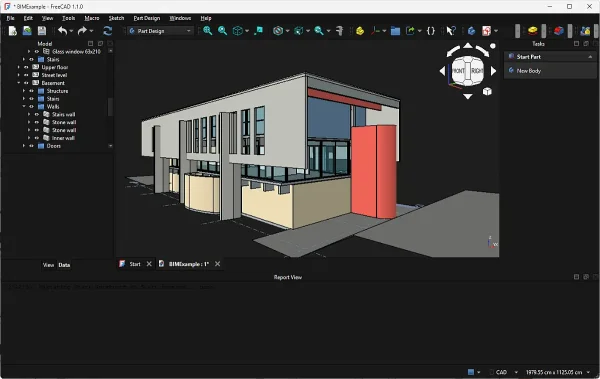
One of its biggest advantages is the availability of a true portable version, allowing you to run the software directly from a USB flash drive without installation.
Key Features
- Parametric 3D modeling (edit designs by changing parameters)
- Modular architecture with workbenches (Part, Part Design, Draft, Arch, and more)
- Supports STEP, IGES, STL, OBJ, DXF, and other file formats
- Built-in Python scripting for automation and customization
- Finite Element Analysis (FEA) tools
- 2D drawing and technical drafting tools
- Cross-platform support (Windows, Linux, macOS)
Why Use FreeCAD?
FreeCAD is ideal for users who need a flexible and powerful CAD solution without the cost of commercial software. Its parametric design approach makes it especially useful for engineers and designers who frequently revise models.
It is also a great choice for students and hobbyists looking to learn CAD without limitations.
Portable Version (Run from USB)
There's an official portable Free CAD build available for Windows.
- Download the portable ZIP archive from the official site
- Extract it to your USB flash drive or local folder
- Run
FreeCAD.exeto launch
All program files and settings remain within the extracted folder, making it ideal for portable use across multiple systems.
Use Cases
- Mechanical part design and prototyping
- 3D printing model creation (STL export)
- Architectural planning and drafting
- Engineering simulations and analysis
- Product design and modeling
Specifications
- Author's Website: Project Page
- Developer: FreeCAD Community
- License: Open Source (LGPL)
- Rating: 5 Star
- Operating Systems: Windows, Linux, macOS
- Portable Support: Yes (Official Portable Version)
Download FreeCAD Portable
Get the official portable version here:
FreeCAD Portable Download
Tips for Beginners
- Start with the Part Design workbench for 3D modeling
- Use constraints carefully to control your sketches
- Save often when working on complex models
- Explore community tutorials to speed up learning
Final Thoughts
FreeCAD stands out as one of the best free CAD software tools available today. Its parametric modeling, extensive feature set, and modular design make it suitable for both beginners and advanced users.
The inclusion of an official portable version makes it even more appealing for those who want a powerful 3D CAD tool they can carry on a USB drive. Whether you're designing parts for 3D printing, creating technical drawings, or learning CAD, this portable version provides a capable free solution without compromise.