Free Commander - Portable File Manager
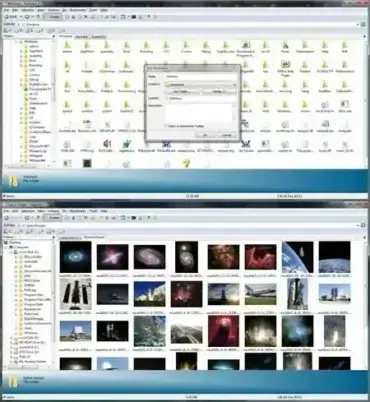
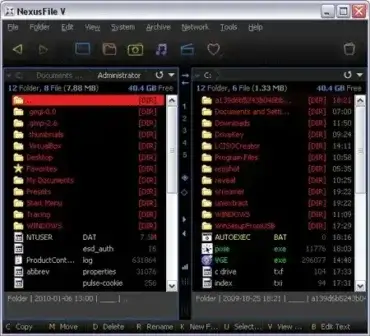
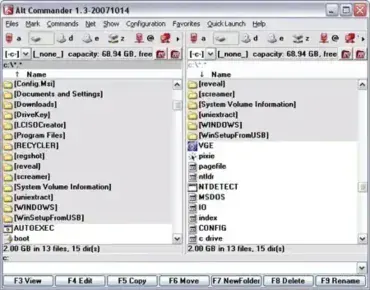
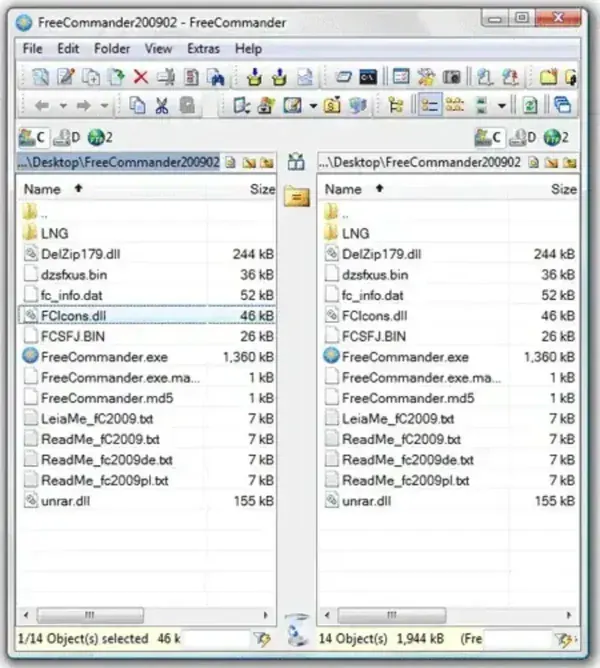
FreeCommander XE is a Windows file manager designed as an alternative to File Explorer. Its dual-pane layout lets you work with two folders side by side, which is useful when copying, moving, comparing, or organizing files between locations. You can also switch to a single-panel layout, open multiple folder tabs, and use optional folder trees to navigate large directory structures.
Beyond basic file operations, FreeCommander includes a built-in viewer, archive handling, file search, folder size calculation, folder comparison and synchronization, checksum tools, and a multi-rename utility. It can display text, images, and other file types without opening a separate application, and it supports working with files inside supported archives. Additional archive formats and functions may require plugins.
FreeCommander XE is available as a portable package that can be copied to a USB drive and launched without a conventional installation. The publisher lists FreeCommander XE 2026 Build 941 as its current public 32-bit release. A 64-bit edition is available to registered donors. The publisher's FAQ states that commercial use requires a license, so the free edition should be treated as intended for personal use rather than unrestricted business use.
FreeCommander XE Portable File Manager
FreeCommander Features
- Dual-pane interface: View two folders side by side in horizontal or vertical layouts.
- Tabbed folders: Keep frequently used locations open and switch between them quickly.
- File operations: Copy, move, rename, delete, and manage files and folders.
- Multi-rename tool: Apply consistent filename changes to groups of files.
- Archive handling: Work with ZIP archives and use plugins for additional archive formats.
- Built-in file viewer: View supported text, image, binary, and hexadecimal content without launching another program.
- Search and filters: Find files and narrow folder listings with configurable filters.
- Folder comparison and synchronization: Compare directory contents and synchronize selected folders.
- Checksums: Create and verify MD5 and SHA checksums for supported files.
- FTP/SFTP support: Use the built-in connection tools to transfer files with supported servers.
- Portable operation: Copy the portable folder to removable storage and run FreeCommander.exe directly.
Using FreeCommander from a USB Drive
Download the portable ZIP package from the publisher's website and extract it to a folder on your USB flash drive. Run FreeCommander.exe from the extracted folder. The publisher also provides a PortableApps.com package for users who prefer managing portable applications through the PortableApps Platform.
When updating the standalone portable ZIP version, close all running FreeCommander windows first, then extract the new package to the same destination folder. The publisher recommends backing up settings before updating. Keep the existing configuration files so your tabs, shortcuts, plugins, and preferences can be retained.
Working with Two File Panels
The dual-pane layout is useful for common file management tasks. Open the source folder in one panel and the destination folder in the other, select the required files, and copy or move them across. You can compare folders before synchronizing them, search within selected locations, and use the built-in viewer to inspect files without switching applications.
FreeCommander also supports operations that can permanently affect files, including deletion and secure wiping. Confirm the selected paths and review the operation before proceeding, especially when working with removable drives or backup folders.
Free and Licensed Editions
The publisher offers a public 32-bit edition and a separate 64-bit edition for registered donors. The publisher's FAQ states that commercial use requires a license. If you plan to use FreeCommander in a workplace or business environment, check the current license terms before deploying it.
Specifications and Download
- Current public release: FreeCommander XE 2026 Build 941 (32-bit).
- 64-bit edition: Available to registered donors.
- Developer: Marek Jasinski.
- License: Free for personal use; commercial use requires a license.
- Platform: Windows.
- Editor's Rating: ★★★★★ (5/5)
- Official website: FreeCommander.
- Download: FreeCommander downloads.